
| By TruLight of the Midlands
Permanent lighting ownership is easier when you keep the system information together, know which checks are reasonable from the ground, and have a clear service path when one zone behaves differently.
This guide is about care after installation. For help comparing an initial scope, use the proposal comparison checklist. For the system itself, review TruLight’s permanent lighting service.
Keep a simple permanent lighting record
Save the final roofline layout, zone names, controller location, app account details, installer contact, and the written product and workmanship terms. Photograph the controller label and note which household members have app access. These records make a future phone change or service request much easier to explain.
Use ground-level checks before requesting service
If a section looks dim or does not respond, first note whether the issue affects one light, one zone, or the whole system. Check the app status and confirm whether schedules or brightness settings changed. From the ground, look for visible debris or an obvious obstruction, but do not climb or open electrical components to troubleshoot.
Plan for phone, router, and household-access changes
App-controlled systems can need attention after a new phone, router, network name, or password. Keep the account owner and recovery information current, and know how another household member receives access. If schedules disappear or a controller goes offline, record what changed before resetting anything.
Know what normal care does—and does not—include
Ask the installer which surfaces should remain clear, what visual changes are normal, and whether any homeowner cleaning is recommended. Permanent does not mean maintenance-free, but it also does not mean the homeowner should work at roof height or handle wiring. The useful boundary is simple: routine observation from the ground, with installation and electrical service left to qualified help.
Describe a problem by location and behavior
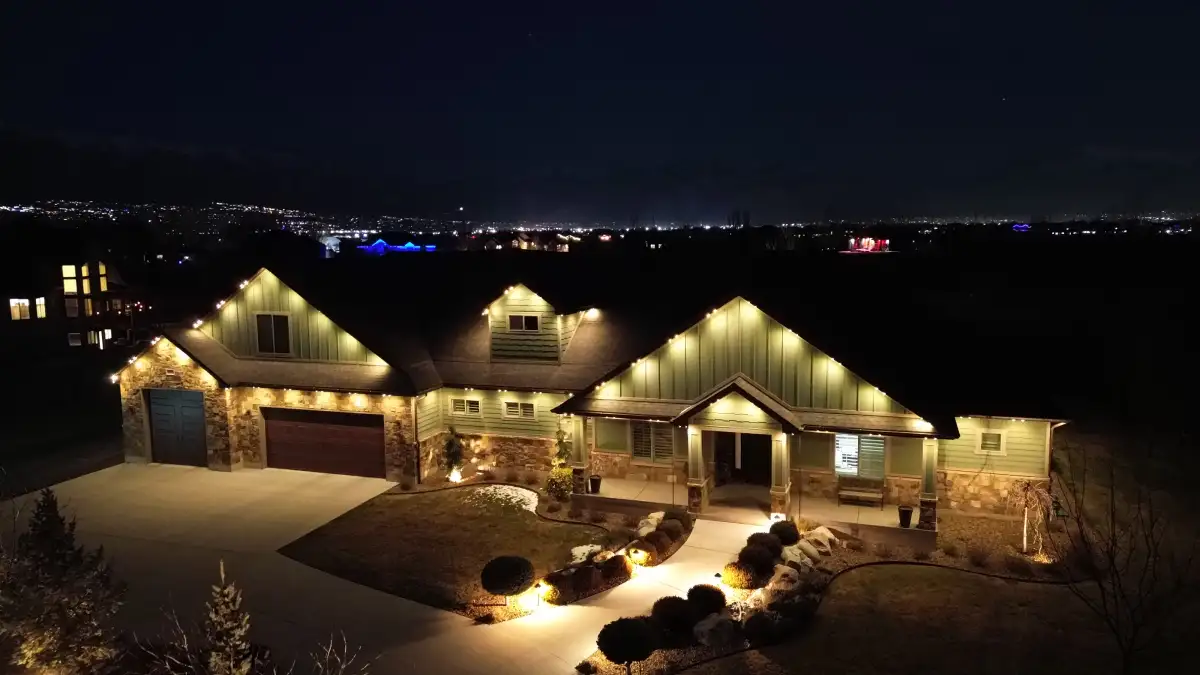
A useful service message names the affected area—such as the garage return or front gable—and explains what happens when that zone is selected. Include a photo or short video when practical, the approximate time the issue began, and whether it followed a storm, network change, power interruption, or app update.
Read product and workmanship coverage separately
Product coverage and workmanship coverage may apply to different problems. Keep both written documents and note the claim process, exclusions, responsible service provider, and how labor, roof access, shipping, controllers, power components, or replacement light sections are handled. A warranty headline is not a service procedure.
Permanent lighting maintenance FAQ
What should I check if one zone stops responding?
Confirm the zone and schedule inside the app, note whether the rest of the system responds, and record any recent network or power changes. Avoid opening components or climbing to inspect the roofline; send the location and behavior to the installer or service contact.
What information helps with a permanent lighting service request?
Share the affected zone, the command you selected, what the lights did, when the issue began, and a photo or video if available. Include any recent phone, router, password, power, or weather change that may help narrow the cause.
What is the maintenance factor in lighting?
Maintenance factor is a planning term for the light output expected to remain after normal effects such as aging and dirt buildup. For a homeowner, the practical questions are what care is recommended, what changes are normal, and how a dim or nonworking section is serviced.
Should I keep system records after installation?
Yes. Keep the zone layout, controller and app information, installer contact, and written product and workmanship terms with your home records. Those details reduce guesswork when access changes or service is needed.
Plan the ownership conversation before installation
Schedule a permanent lighting consultation with TruLight of the Midlands and ask how app handoff, system records, troubleshooting, and future service are handled for your Camden home.